Grinder Menu Items
The Grinder menu items give you alternate ways of doing certain tasks. The Options Menu has helpful functions for naming, timecode and saving conventions.
Application Menu
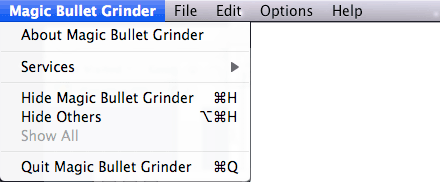
The Application dropdown has standard OS-level functions like Show/Hide Grinder, Hide Other applications and the Quit command. Choose the About item to see Grinder's development team.
File Menu
The File dropdown has one item, Add Files... The menu item brings you to This function can also be done by dragging a file from your desktop into the Batch Window.

Edit Menu
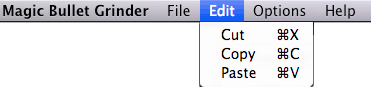
The Edit dropdown has your standard menu items of Cut, Copy and Paste. These options affect the setting fields in the Batch Window.
Options Menu
The Options dropdown is action packed.
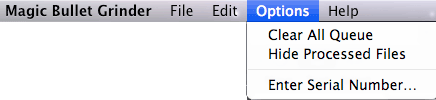
Clear All Queue. Lets you delete the current list of processed and unprocessed files from the Batch Window.
Show/Hide Processed Files. Hides or shows files after they have been processed. The option changes to 'Show' or 'Hide' depending upon the status of your queue.
Enter Serial Number... A very important field! Takes Grinder out of trial mode and unlocks its ability to process an unlimited number of files.