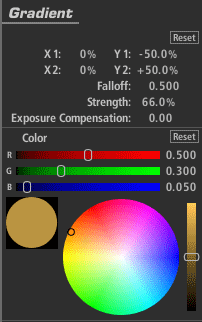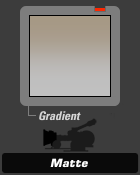
The Gradient tool adds a colored tint, like a matte box gradient, with control over color, falloff, and strength. On-screen overlay controls let you position the effect easily.
Gradient (appears in Matte)
The Gradient tool adds a colored tint, like a matte box gradient, with control over color, falloff, and strength. On-screen overlay controls let you position the effect easily.
Stops: With a 1.0 gamma, each positive stop doubles the amount of light, each negative stop halves it.
X1, Y1, X2, Y2: Establishes the positions of the start and end of the gradient.
Falloff: Weights the gradient toward one end or the other of the gradient.
Strength: Specifies the extent to which the effect is applied.
Exposure Compensation: Corrects any resulting changes in overall exposure.
Color: The color of the filter, which is typically bright and saturated.