LooksBuilder: Tools QuickDrawer
The Tools QuickDrawer displays the individual Tools available in LooksBuilder. The QuickDrawer is opened by mousing over the vertical hot zone on the right side of the screen.
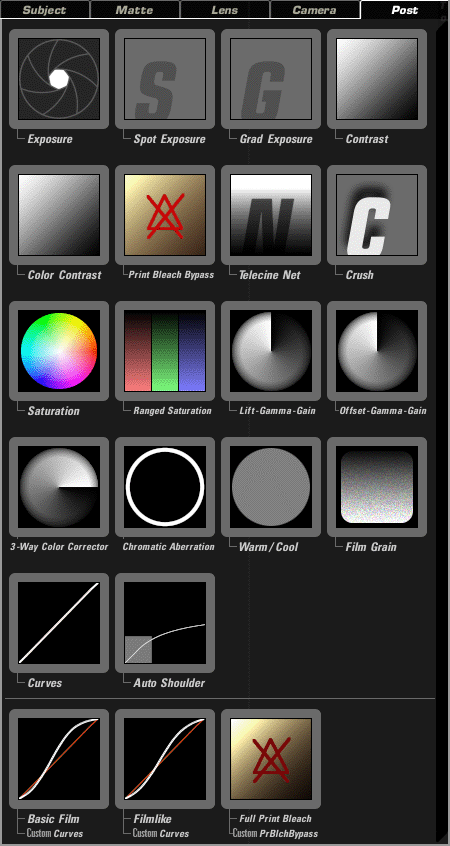
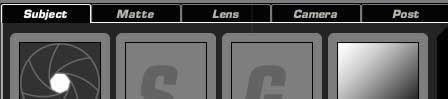
These tools are organized into five areas: Subject, Matte, Lens, Camera and Post. Each area has a particular kind of functionality and represents a part of the virtual camera that LooksBuilder simulates. Some tools overlap in functionality and therefore are accessed in multiple Tool areas. You can mouse over the individual tools for descriptions that appear in the Help pane.
This page has an overview of each Tool Area. See the Tool Chain page for additional info.
The five areas of the Tools QuickDrawer.
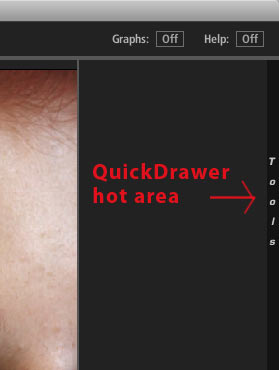

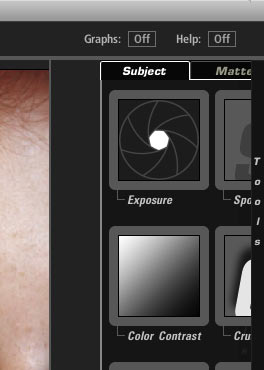
At left, the QuickDrawer is closed. At right, the QuickDrawer is open.
Subject Tool Area
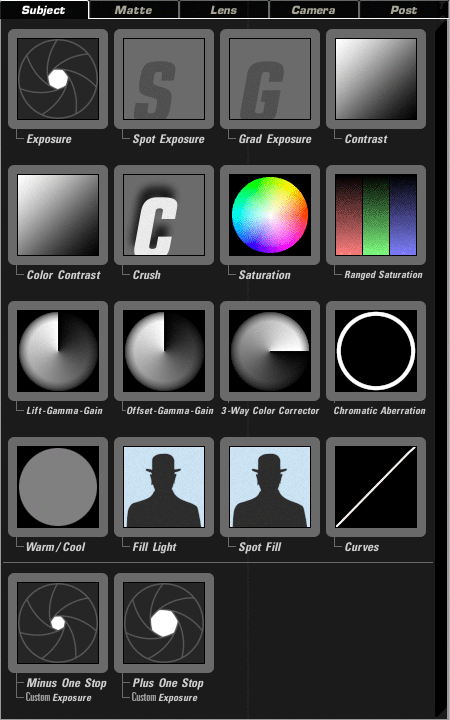
Subject Tools alter your image before being processed in the virtual camera. They are used to change the lighting on the subject or to do some pre-correction on the image. Tools in this area focus on lighting changes such as Exposure, Fill Light and Contrast. Typical post-production tools such as Curves and a 3-Way Color Corrector are also available to alter the virtual lighting. See all of the Subject Tools.
atte Tool Area
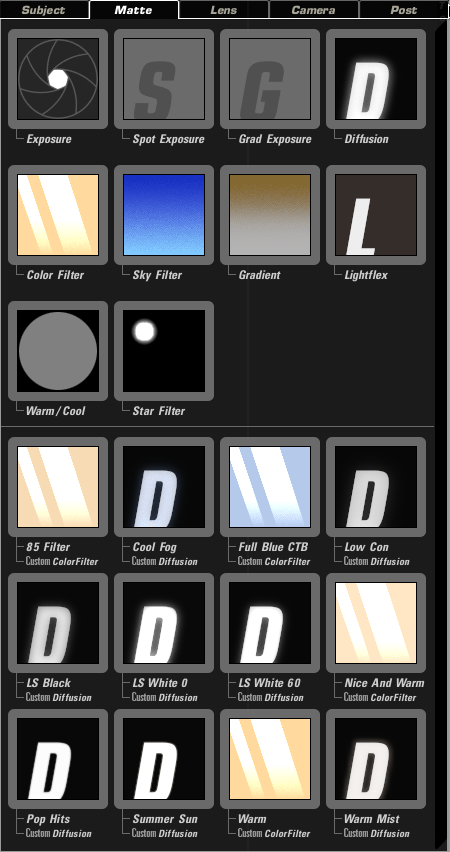
The Matte Tools mimic filters that would fit in a real-world matte box. The tools include Diffusion, Color Filter, and Star Filter. See all of the Matte Tools.
Lens Tool Area
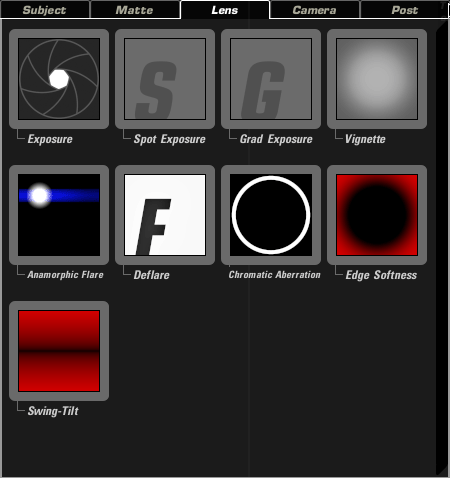
Lens Tools alter the virtual lens of the camera and offer emulation of real-world lens effects. The Lens effects include Vignette, Anamorphic Flare and Edge Softness. See all of the Lens Tools.
Camera Tool Area
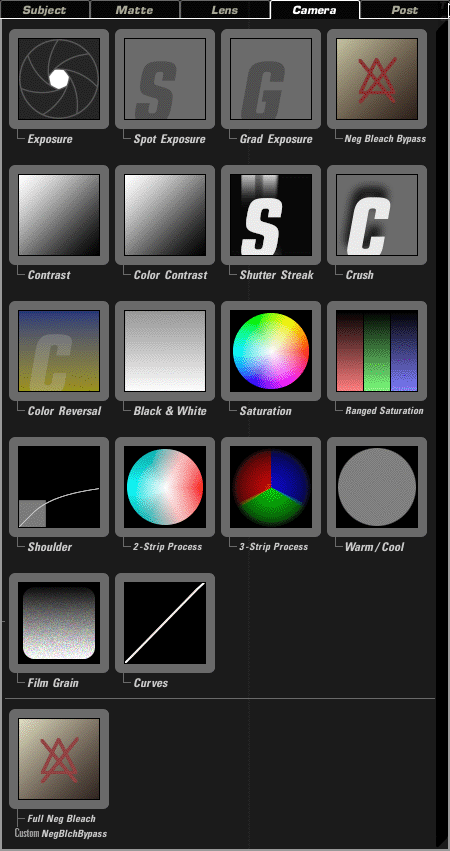
Camera Tools affect the virtual recording of the image. These tools emulate real-world film processes or types of films that could be loaded into a real-world film camera. This simulation includes mimicing film stocks, shutter control and film processes such as 2-Strip, 3-Strip, Color Reversal and Film Grain. See all of the Camera Tools.
Post Tool Area
The Post tools are the final development stage for your Look. Post tools offer a wide variety of operations that typically happen post-shoot. This area includes standard color correction filters like Lift-Gamma-Gain, Offset-Gamma-Gain, 3-Way Color Corrector, Saturation, Range Saturation, Spot Exposure, Print Bleach Bypass and Curves. See all of the Post Tools.