LooksBuilder: Info Bar
The Information Bar runs along the top of the LooksBuilder interface. This area provides important controls and readouts for your color design. From left to right, the functions are: Look Theater controls, Zoom Preview, RGB readout, the Graphs button, and the Help button.
Info Bar along the top
There are also three buttons at bottom right of the LooksBuilder screen. These are the OK, Cancel and Trash buttons. The Trash button is persistent in the plugin and stand-alone versions of the LooksBuilder interface. The OK and Cancel buttons only appear in the plugin version.
Buttons along the bottom
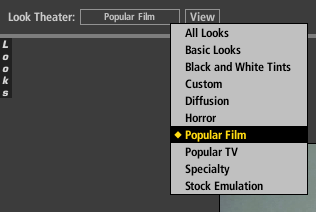
Look Theater and View buttons
The Look Theater button creates a slide show that previews different Looks on your image. You can choose to view all Looks in the library (the All Looks option) or view individual Looks categories.
The View button start and stops the Theater presentation. See the Look Theater page for details.
Zoom Preview
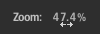
Zoom Preview sets the percentage value of the image loaded into Photo Looks. Its operation is quite simple.
RGB numeric readout

The RGB readout displays the amount of Red, Green or Blue at the cursor's current location. The value is measured in floating point units from 0.000 to 100.000
Graphs button
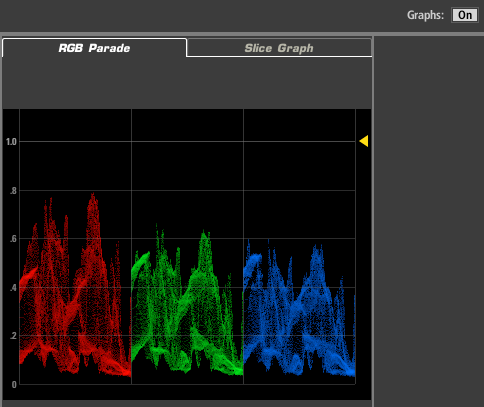
This button toggles between On and Off to show or hide the Graphs Panel view. This view appears alongside the Preview window, and has tabs for the RGB Parade graph and the Slice graph. Read more on the Graphs Panel page.
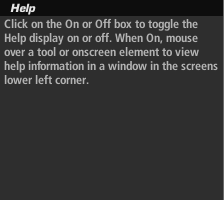
Help button
Click on the On or Off button to toggle on/off the Help display. When On, you can mouse over a tool or onscreen element to view descriptive information in LookBuilder's lower left corner.