Anamorphic Flare (appears in Lens)
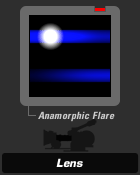
The Anamorphic Flare tool produces the look of an anamorphic flare created from internal lens reflections.
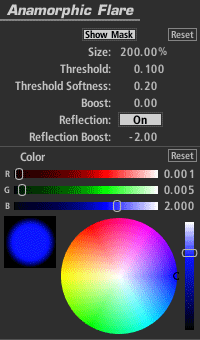
Show Mask: Displays the threshold matte used to isolate the highlights, but only when you adjust the threshold controls.
Size: The extent to which the flare extends from each highlight area.
Threshold: The luminance level above which highlights are picked up by the flare. Lower it to get more flare effect.
Threshold Softness: Introduces softness into the boundaries of the Threshold region, softening the overall flare effect naturally.
Boost: Lifts the white values.
Reflection: Adds a secondary flare, positioned as an inversion of the first.
Reflection Boost: Lifts the luminance of the reflection flare.
Color: The color of the flare.